Assignments contain the assignments that your child should do/has done/has not submitted
1. Click Assignments located in the left menu.
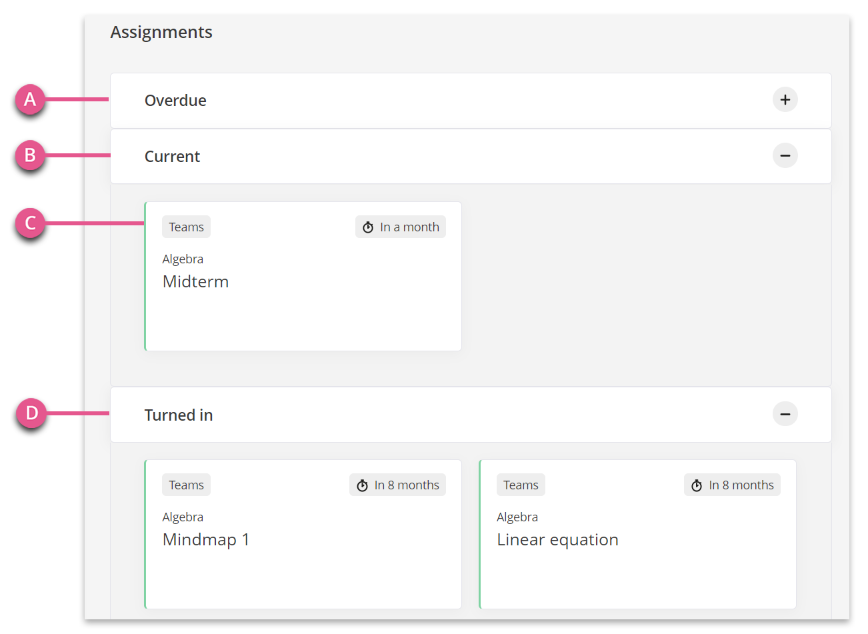
2. Under Assignments you will find, among other things,
- A) Overdued assignments with Expired End Date that your child has failed to submit.
- B) Current assignments.
- C) Example of Current Assignment.
- D) Turned in – Assignments turned in.
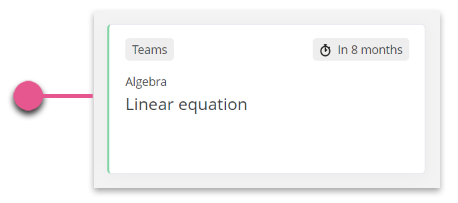
3. Click an Assignment to access the assignment.
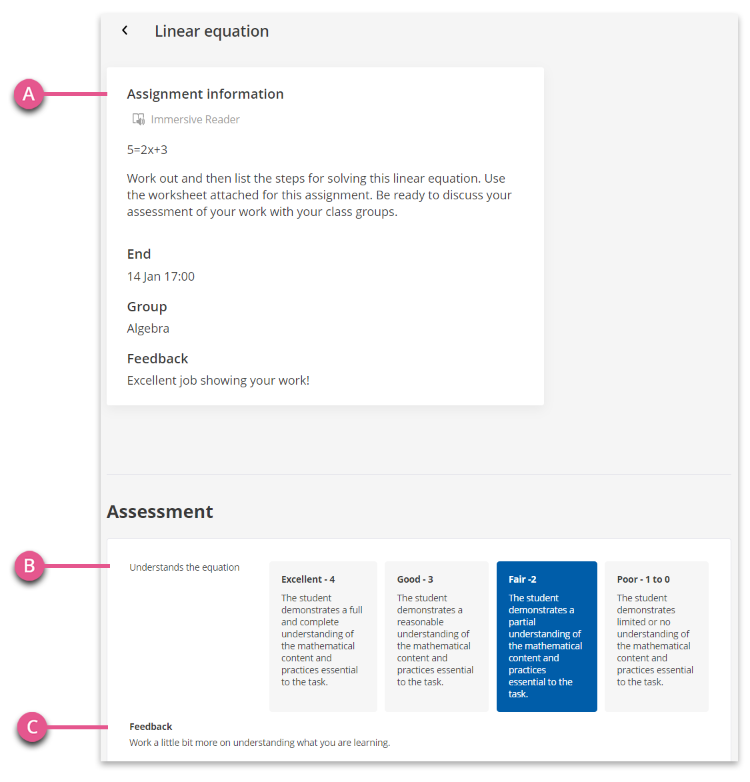
4. Inside an assignment you will see.
- A) Instructions for the assignment.
- B) Assessment for the assignment.
- C) Feedback – If the assignment is assessed the assessment is displayed.
Have more questions? Submit a request